> For the complete documentation index, see [llms.txt](https://docs.skyone.cloud/llms.txt). Markdown versions of documentation pages are available by appending `.md` to page URLs; this page is available as [Markdown](https://docs.skyone.cloud/english/skyone-autosky/skyone-autosky/security-criteria.md).
# Security Criteria
Autosky features robust security features developed specifically to protect user access at the Client layer. The system adopts multiple layers of defense to mitigate risks related to compromised credentials, weak passwords, and accesses from suspicious origins.
With these implementations, the platform ensures a significant reduction in the risk of breaches, reinforcing the security of the environments without compromising operational fluidity, keeping authentications fast and straightforward for the end user.
***
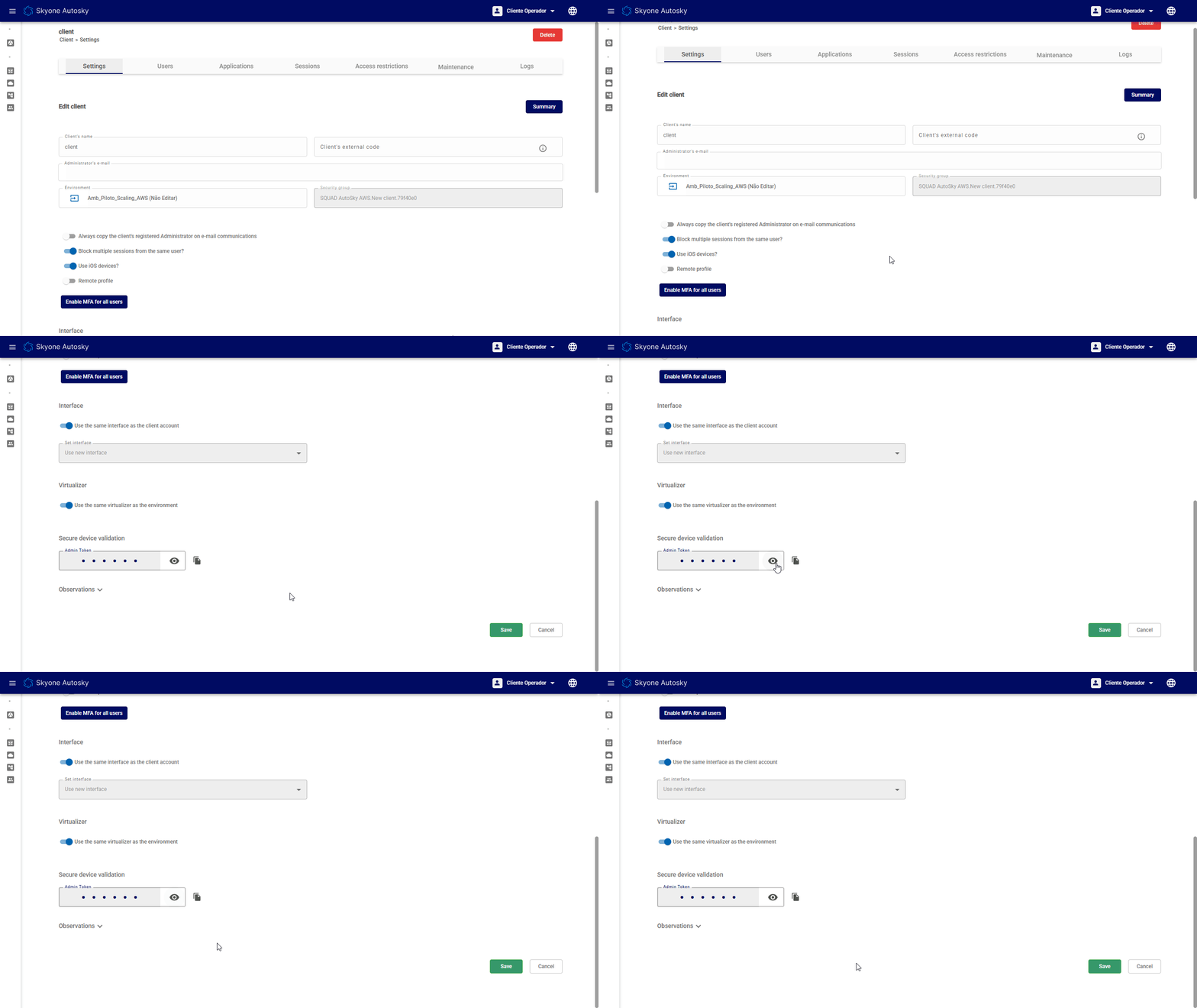
#### Device, Network, and Authentication Validation (Token)
To ensure that access originates from a trusted source, Autosky employs a security validation based on the access context. When necessary, the system requests validation using a temporary code (token).
#### How token validation works
Validation is not tied exclusively to the device used. To securely authorize access, Autosky analyzes a set of criteria related to the access environment, considering information from both the machine and the network in use. This analysis makes it possible to identify changes in the connection context and determine when a new validation is required to protect the environment.
#### Why do these validations exist?
The goal is to enhance access security and reduce the risk of credential misuse. Whenever the system identifies relevant changes in the access environment, such as changes to the machine or the network in use, it may request a new token to confirm the user's identity before granting access.
***
### Security Indicators on the Dashboard
Within the Client's user list, the AutoSky dashboard provides visual indicators that facilitate the security monitoring of each account.
* **Visual Indicators (Green)**: When a feature is enabled and fully functional, it is indicated in green. This includes alerts for MFA configured on the Client, MFA activated by the user, and Validated device.
* **Traceability:** Through the dashboard, the administrator can accurately view which devices have already been validated by a specific user and what validation method was adopted for each of them.
### Password and Rotation Policies
To prevent the use of vulnerable passwords, AutoSky enforces strict credential creation and maintenance policies. The system automatically rejects terms that are on compromised password lists and enforces strict formatting rules.
* **Complexity criteria:** A valid password must contain at least 8 characters, mixing uppercase and lowercase letters, numbers, and symbols. It cannot contain parts of the user's name or email.
* **Force password change:** The administrator can enable an option that forces the user to change their password on the next login. When this occurs, access to the environment is only granted after creating the new credential.
* **Expiration and rotation:** Passwords have a default expiration period of 60 days. In addition, the system has a rotation policy that prevents the reuse of the last 5 passwords registered by the user.
### Network Access Control (IP)
Autosky monitors connection origins. If a network address is listed on a blacklist (a list of IPs blocked due to security risks), the user's access will be automatically blocked. In these cases, it is recommended that the user attempt to log in from another trusted network or request an analysis and possible release from the administrator responsible for the environment.
---
# Agent Instructions
This documentation is published with GitBook. GitBook is the documentation platform designed so that both humans and AI agents can read, navigate, and reason over technical content effectively. Learn more at gitbook.com.
## Querying This Documentation
If you need additional information that is not directly available in this page, you can query the documentation by asking a question.
Perform an HTTP GET request on the following URL with the `ask` and `goal` query parameters:
```
GET https://docs.skyone.cloud/english/skyone-autosky/skyone-autosky/security-criteria.md?ask=&goal=
```
`ask` is the immediate question: it should be specific, self-contained, and written in natural language.
`goal` is what the user is ultimately trying to achieve, the reason they need the answer. Sharing it helps GitBook give you a better, more relevant answer. A goal is most helpful when it describes the outcome the user wants rather than restating the question. For example, with `ask=how do I create an API token`, a goal like `automate deployments from our CI pipeline` lets GitBook tailor the answer to that use case.
The response will contain a direct answer to the question and relevant excerpts and sources from the documentation.
Use this mechanism when the answer is not explicitly present in the current page, you need clarification or additional context, or you want to retrieve related documentation sections.